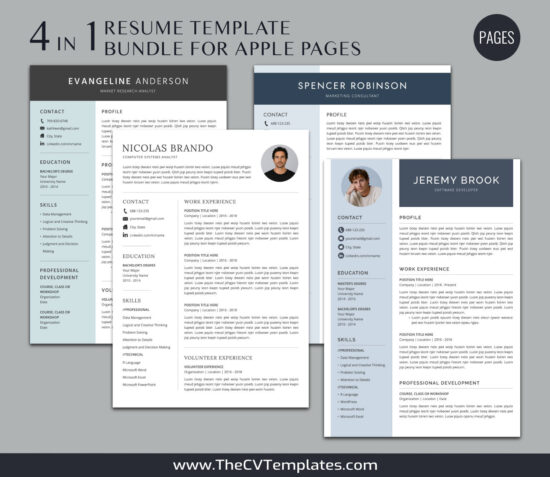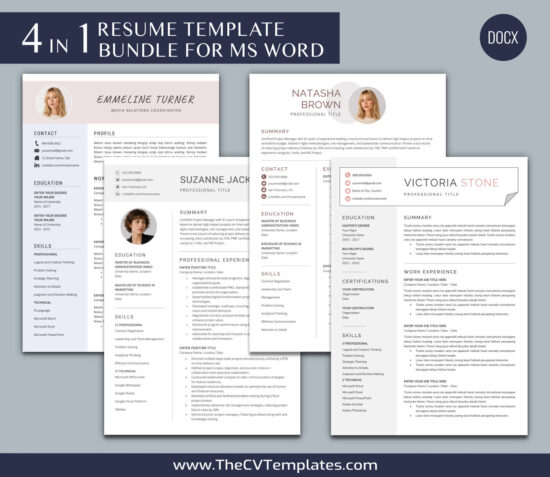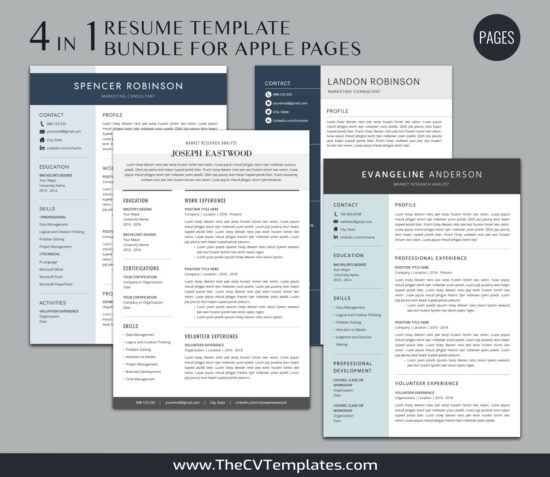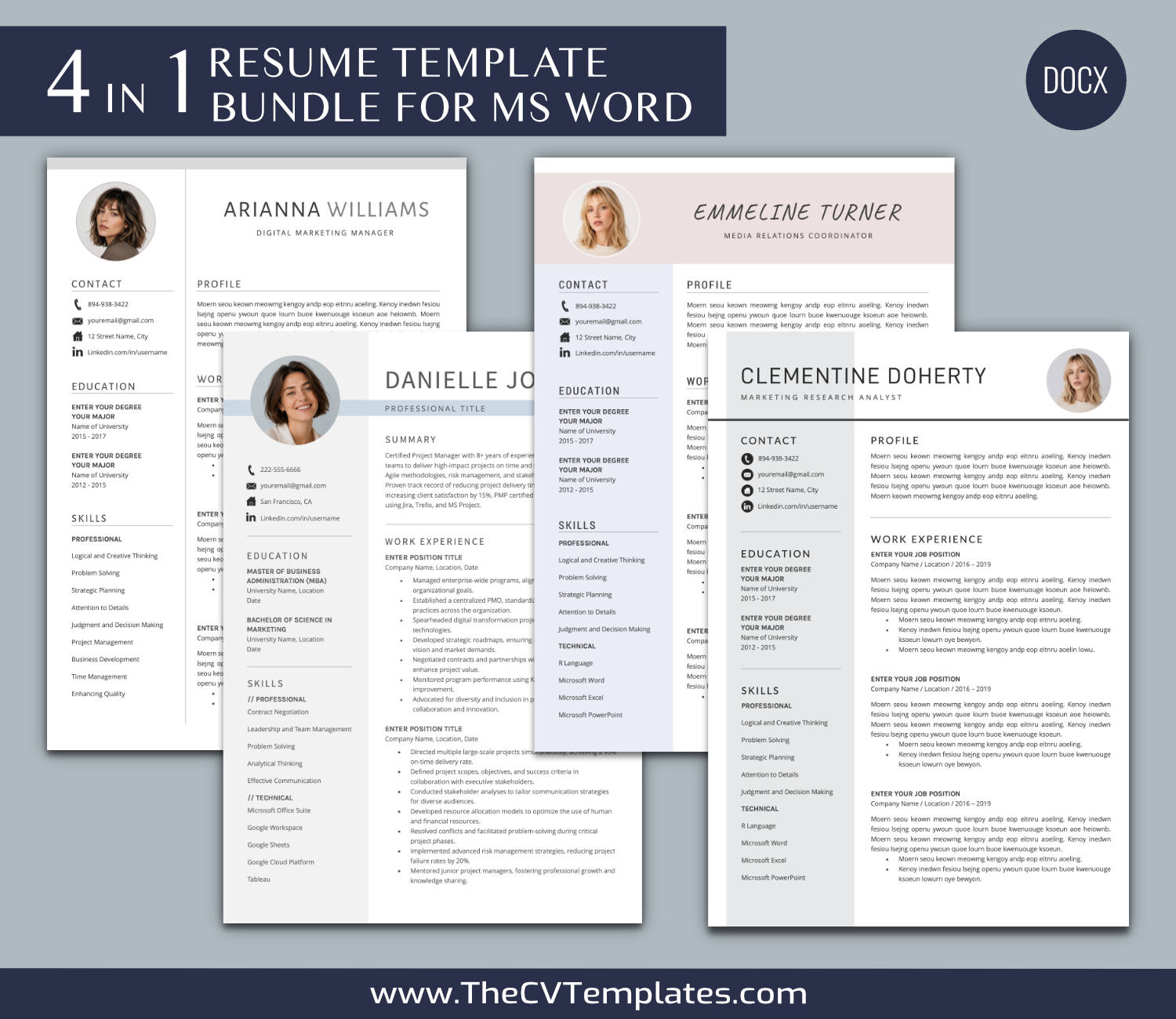
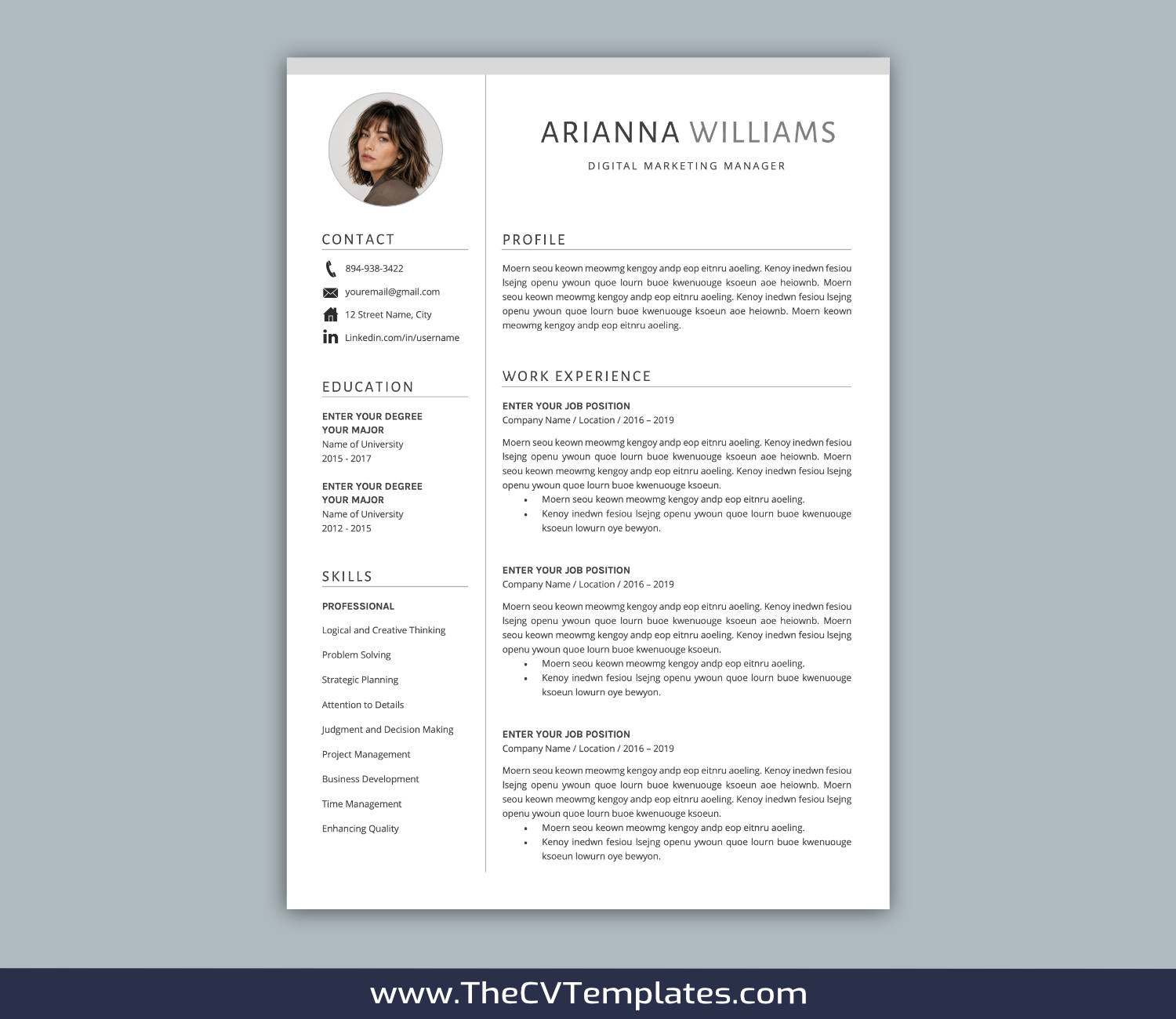
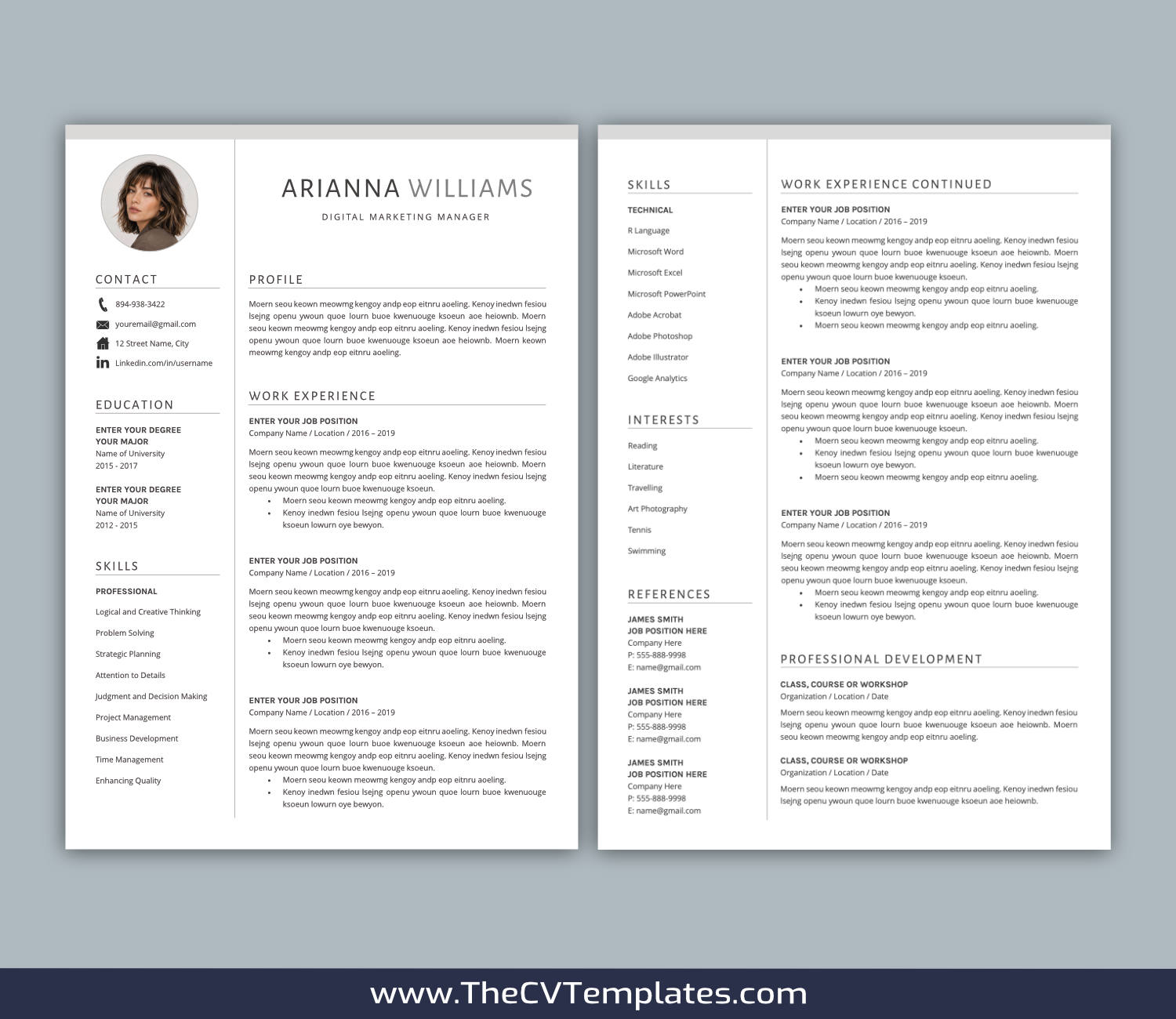
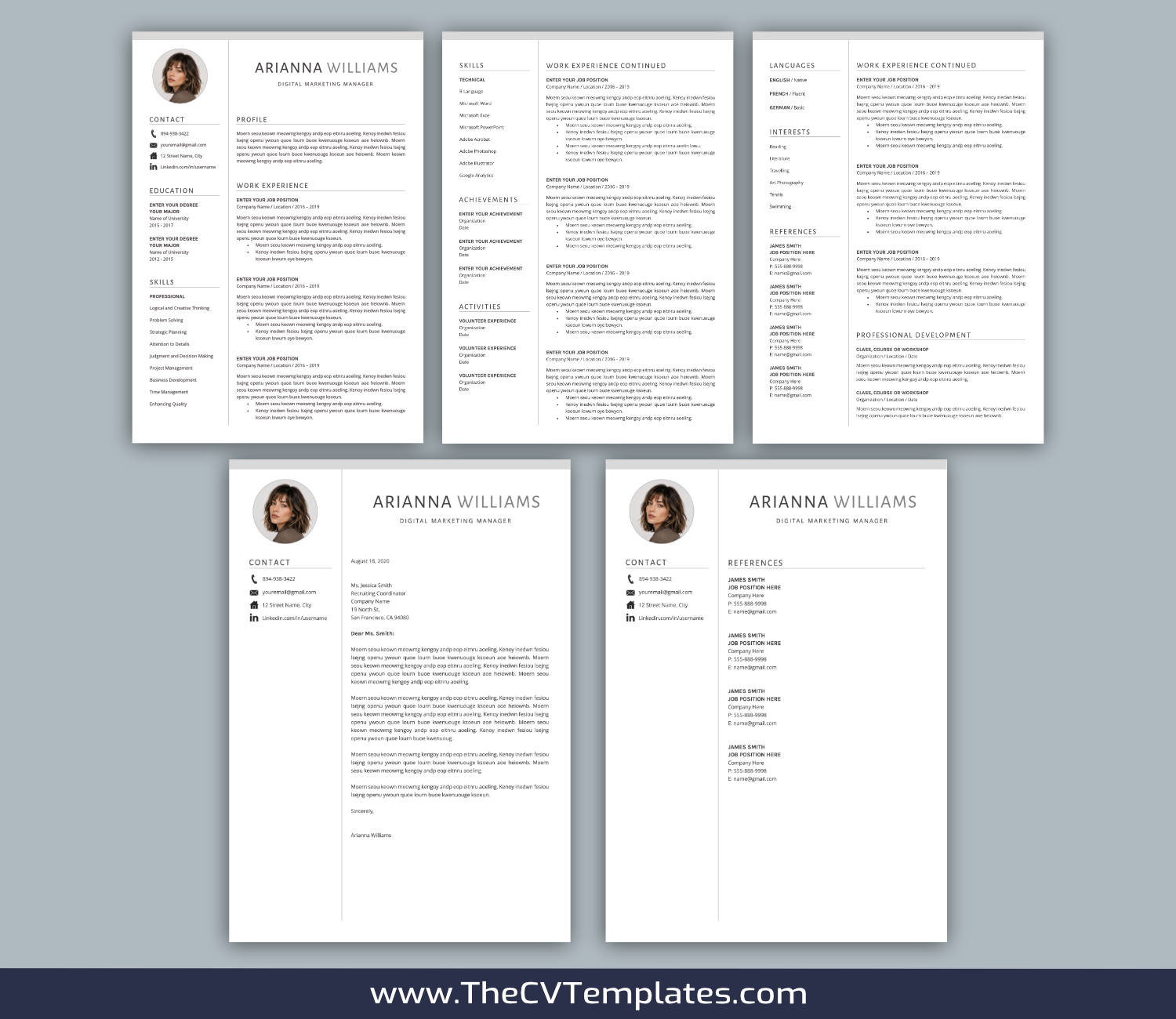
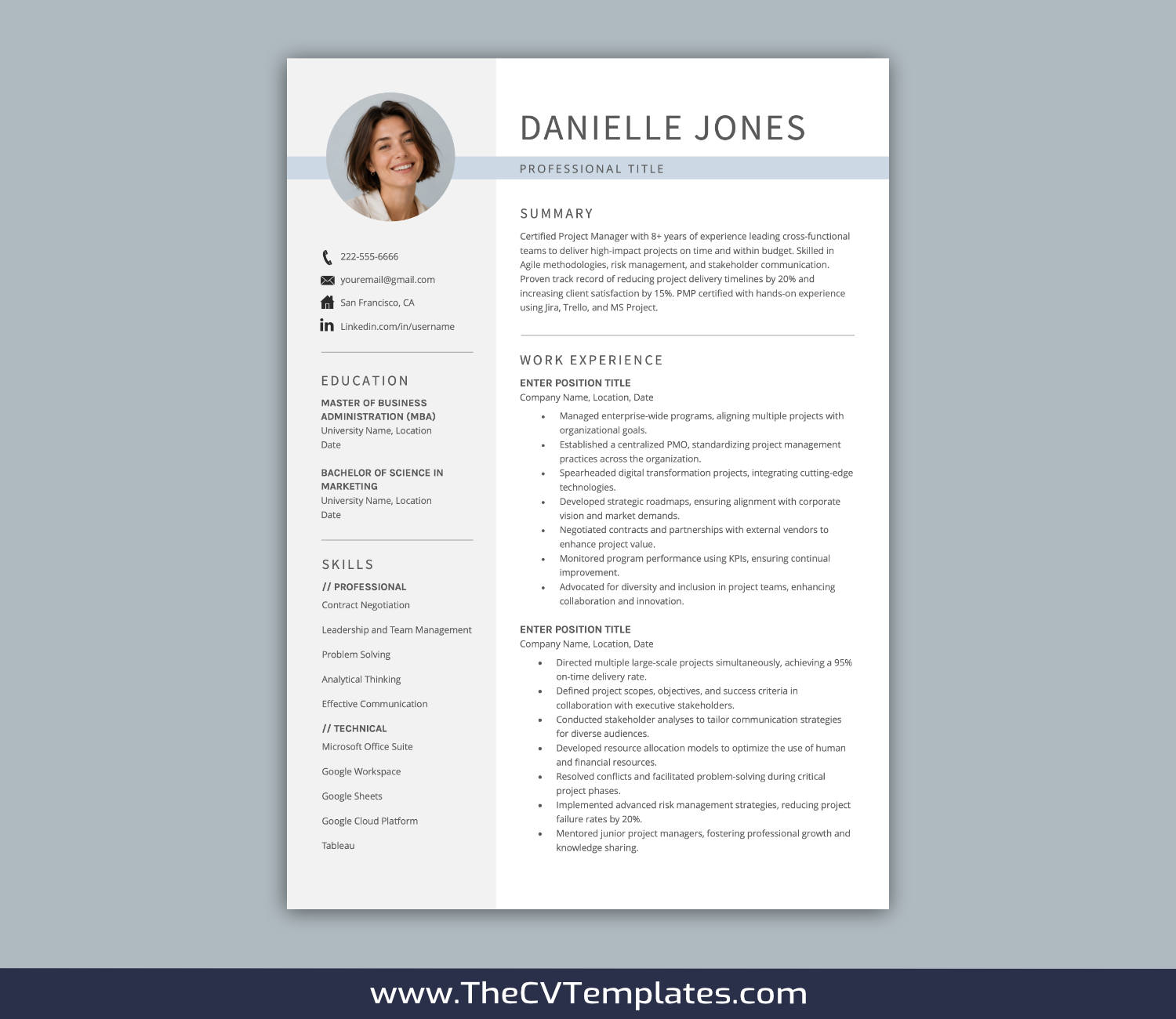
4 IN 1 CV Template Bundle For Microsoft Word, Professional CV Template Design, Simple Resume Template, Editable Modern Resume, 1-3 Page Resume Format, Instant Download, CVB13
$39.00
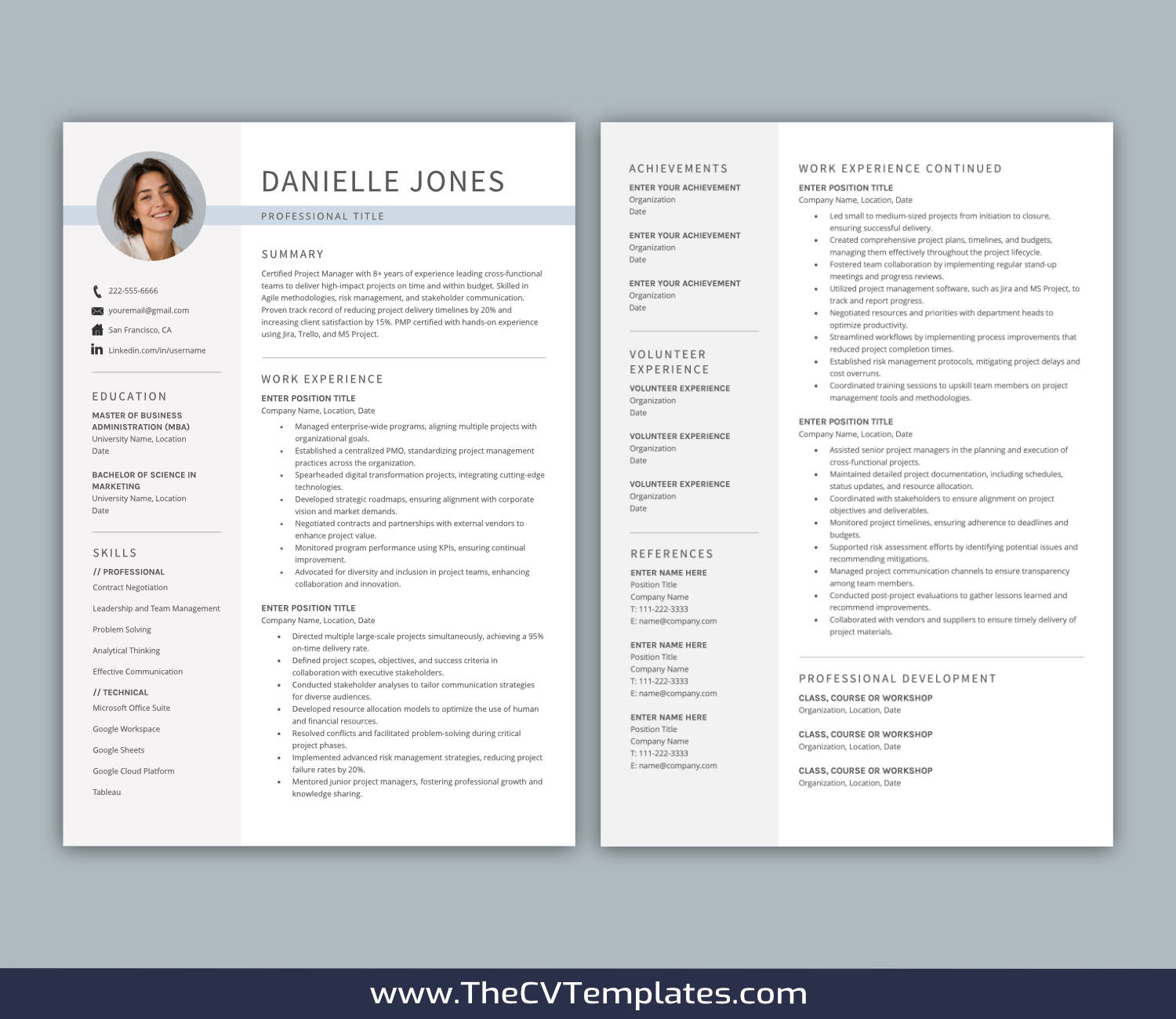
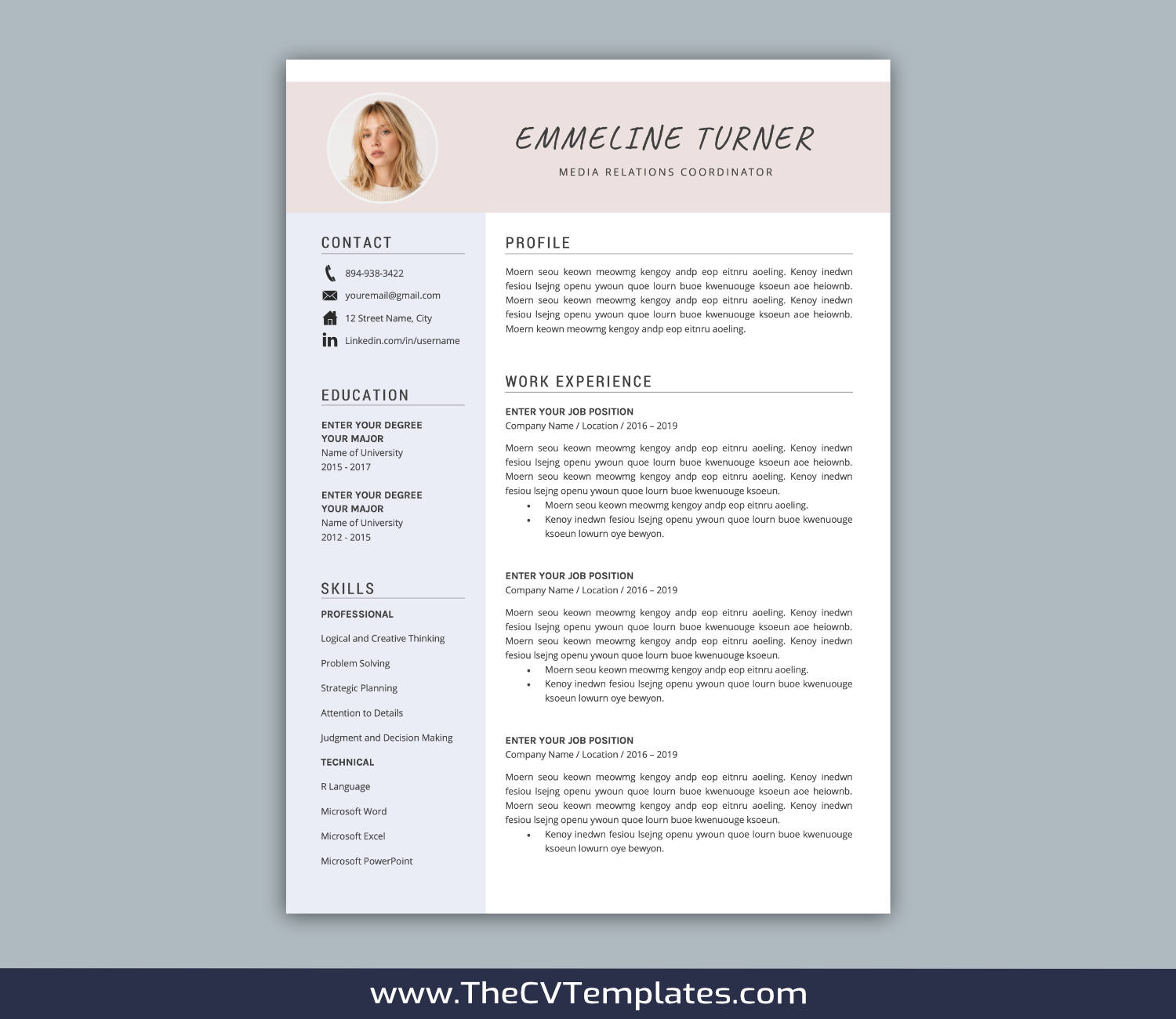
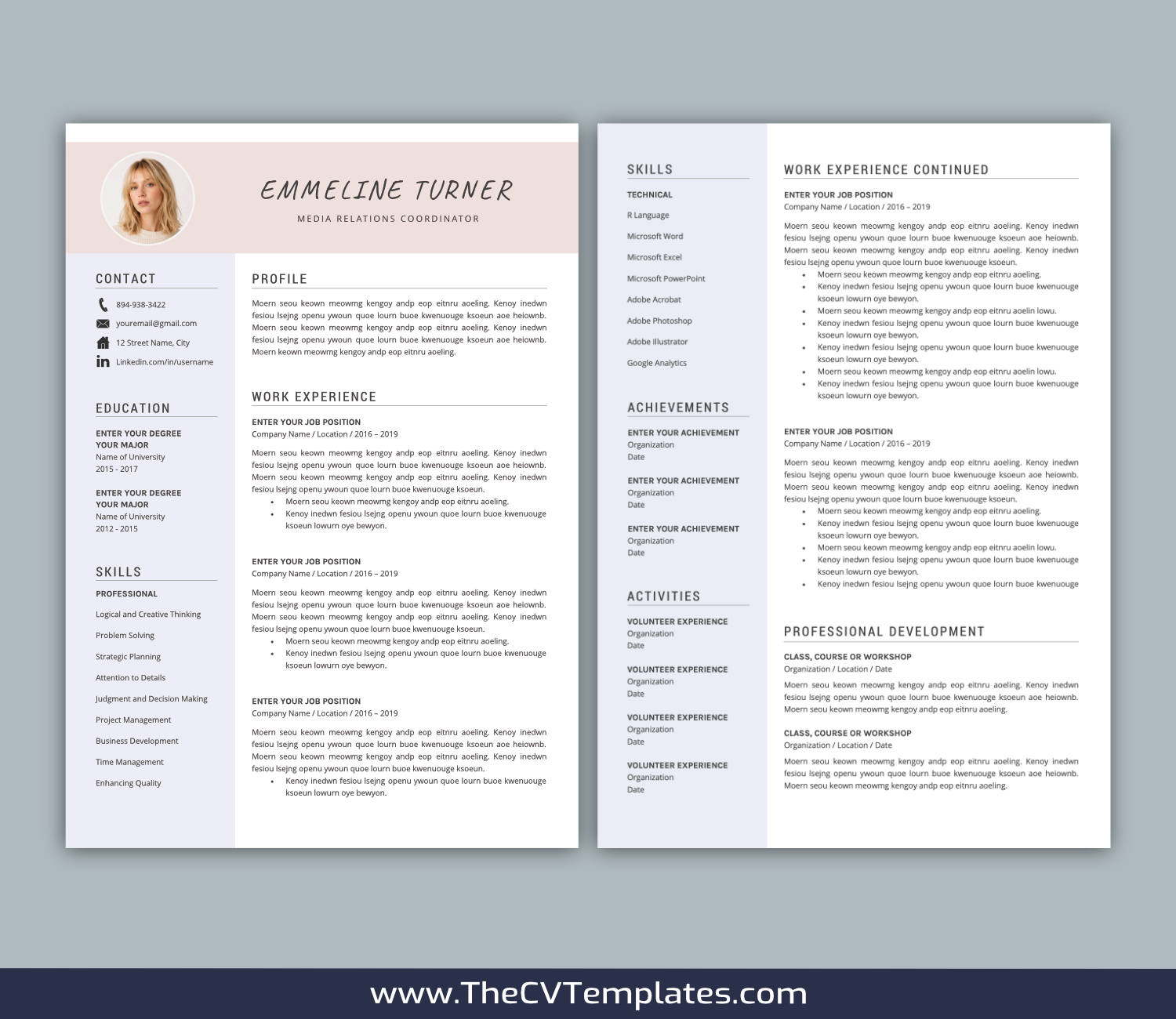
Professionally Designed CV Template Bundle for Microsoft Word with 4 Distinct, Carefully Optimized Designs
A professionally designed CV template bundle provides a ready-made foundation for presenting your professional information clearly and effectively. With the document structure and formatting already prepared, you can spend less time building and adjusting your CV and more time tailoring your content to each application. Focus on communicating your experience, skills, achievements, and potential while maintaining a clear and professional presentation.
What’s Included
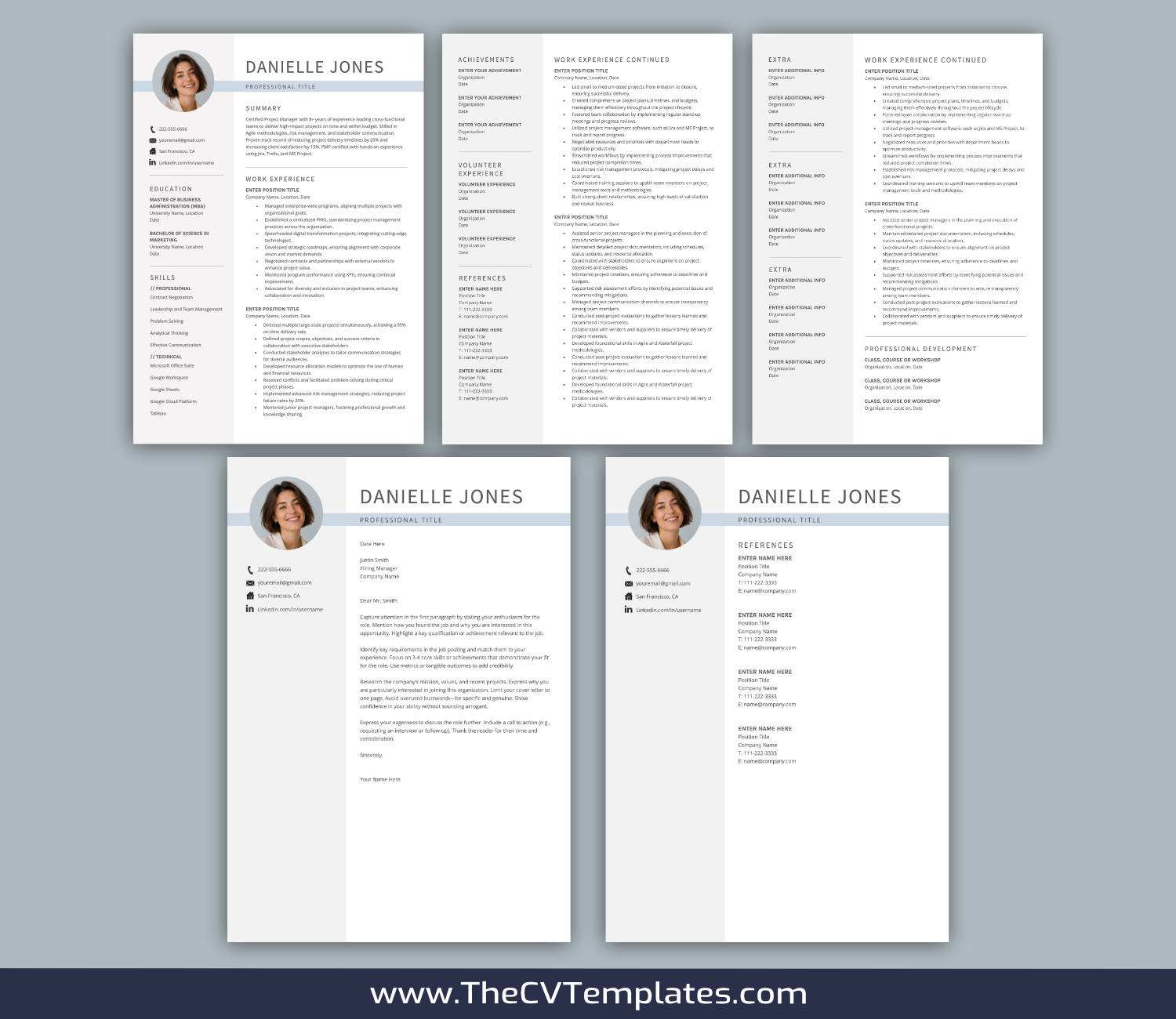
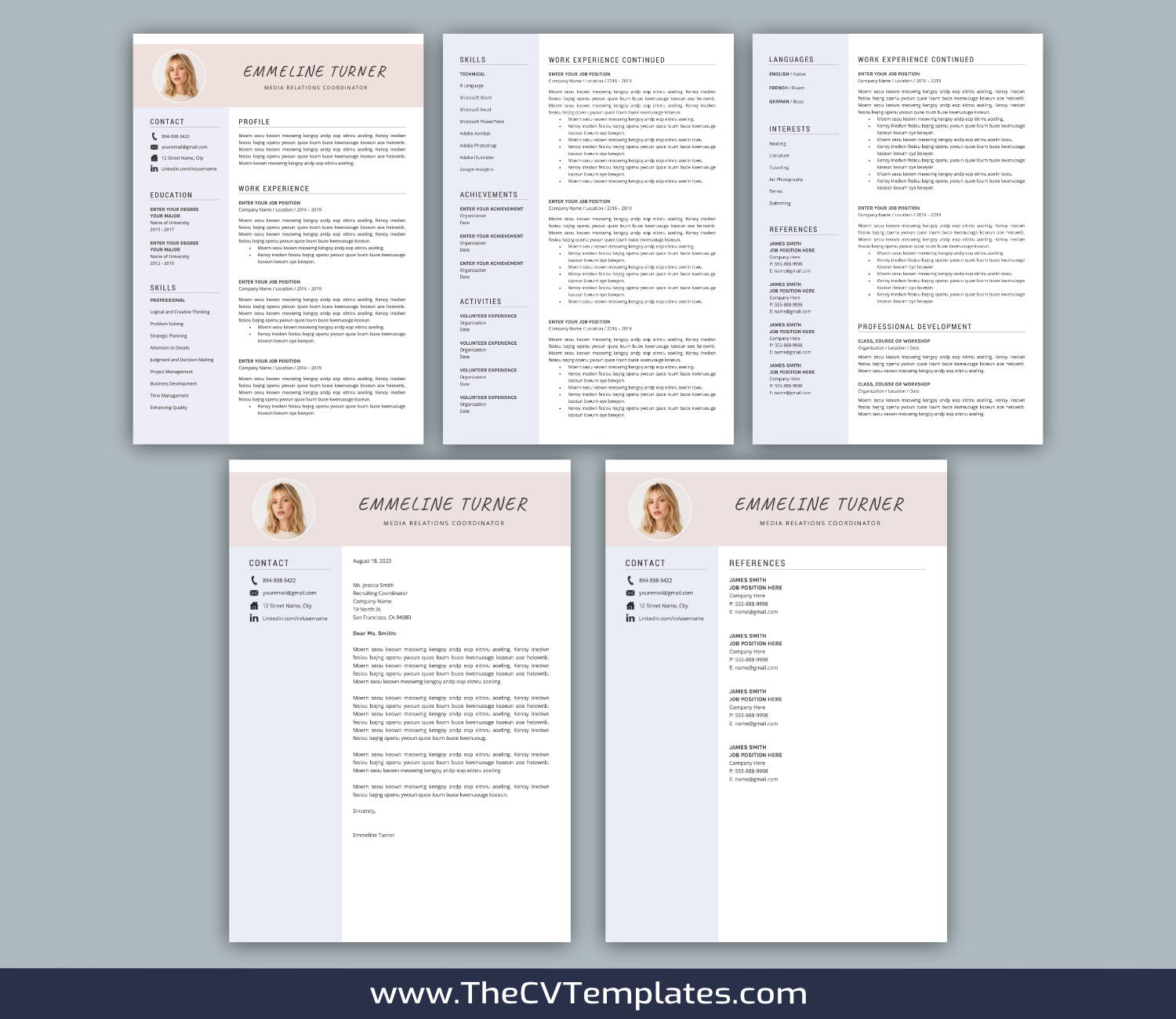
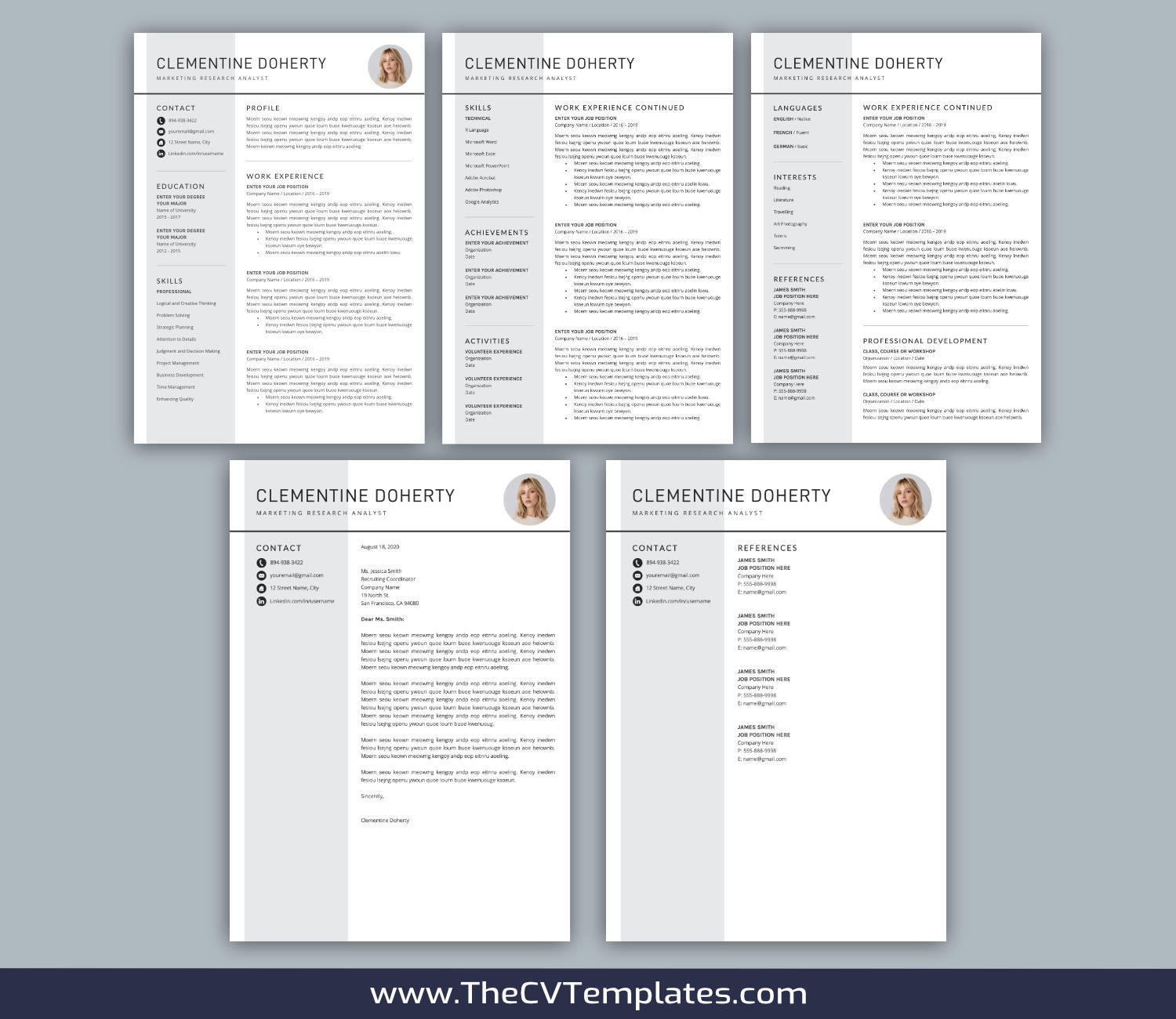
This bundle includes 4 different CV template variations. Each CV template variation includes:
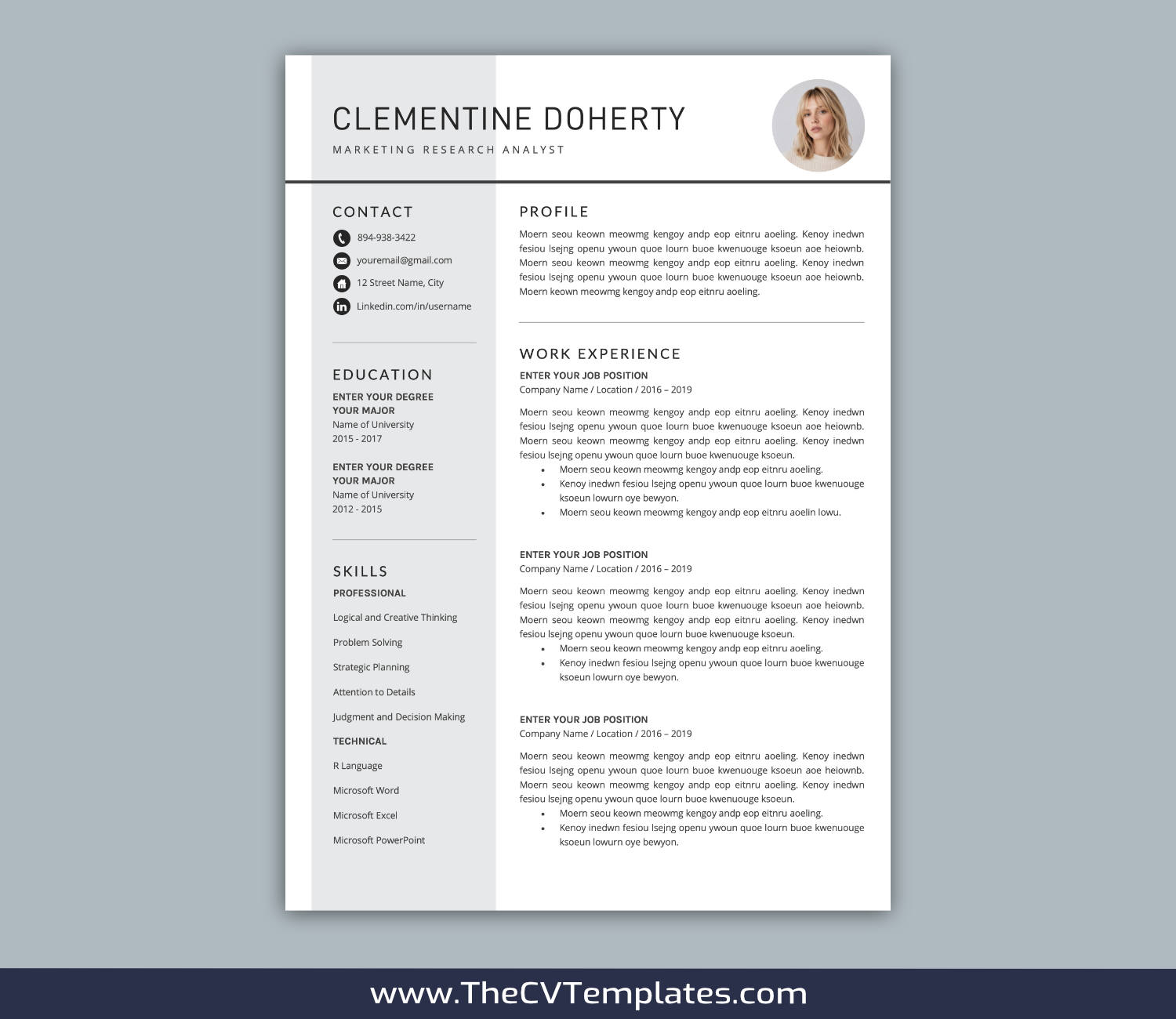
– 1 page CV template in .DOCX format (A4 and US Letter)
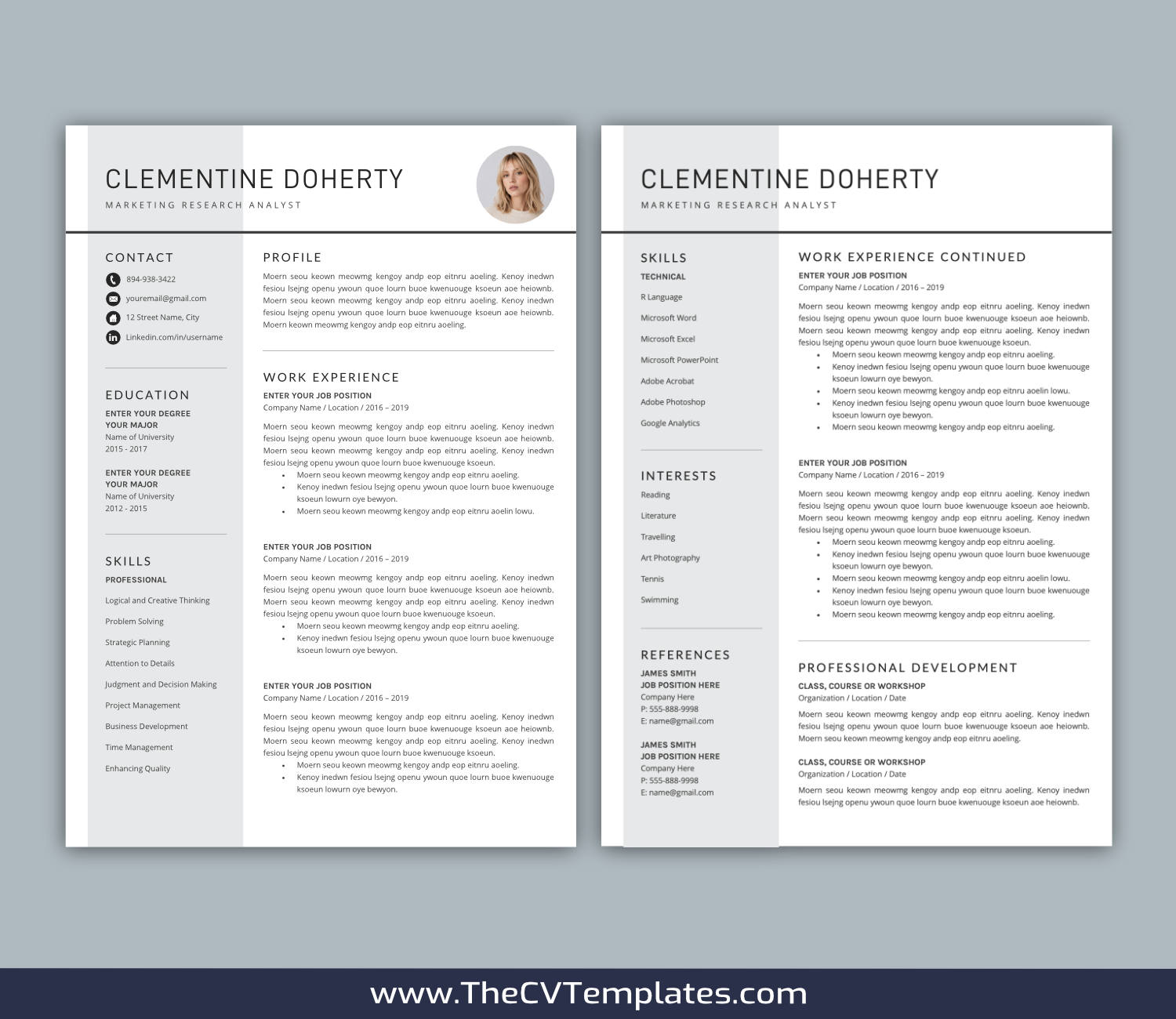
– 2 page CV template in .DOCX format (A4 and US Letter)
– 3 page CV template in .DOCX format (A4 and US Letter)
– Cover letter template in .DOCX format (A4 and US Letter)
– References template in .DOCX format (A4 and US Letter)
– Required font installation files
– Extra CV icons provided in .DOCX format
– CV template user guide provided in .PDF format
Description
► Applications Required to Open and Edit Your Purchased Templates
– The latest desktop version of Microsoft Word for Mac or Microsoft Word for Windows must be properly installed on your computer to open and edit the downloaded .DOCX CV templates.
– Adobe Acrobat Reader or another commonly used PDF reader must be properly installed on your computer to open and view the downloaded .PDF documents.
– If you do not already have the latest version of Microsoft Word installed on your computer, you can visit the Microsoft website to check the currently available Microsoft 365 trial options.
► It’s Easy to Get Started
1. Create an Account
Create an account through Your Account in just a few clicks. No unnecessary personal information is required.
2. Purchase Your Templates
Purchase the CV templates you like from your computer or an internet-connected smart device.
3. Download Your Templates
Download your purchased CV templates on your computer, rather than on a mobile device such as a smartphone or tablet, by going to Your Account → Downloads and clicking the corresponding download link for the templates you purchased.
4. Extract, Install, and Edit
Extract the downloaded .ZIP file, install all required CV fonts, restart your computer if required, and then open and edit your purchased .DOCX CV templates using a properly installed desktop version of Microsoft Word.
► Your Privacy Matters
– We only have access to information that you voluntarily provide through purchases made on our website or through other forms of direct communication with us.
– We will not sell or rent your personal information or share it with any third party outside our organization, except where necessary to fulfill your service request.
– We will use your personal information only as necessary to respond to your service or information requests and address the reason you contacted us.
► Refund and Exchange Policy
– By purchasing and using our products and services, you agree to be bound by our refund and exchange policy.
– Due to the digital nature of our templates, all purchases are final, and requests for refunds, exchanges, or returns cannot be accepted.
– We are always happy to provide prompt and friendly customer service. Please contact us if you have any questions or concerns regarding your purchased templates.
► Intellectual Property Notice
– All designs, concepts, and content are solely owned by TheCVTemplates.com. No part of the designs may be copied, reproduced, transmitted, or distributed in any form or by any means under any circumstances.
– All templates sold or otherwise provided are intended for personal use only and may not be redesigned, resold, or redistributed under any circumstances.